 Pickr
Pickr
Your audio rig,
one click away.
Every microphone and speaker on your Mac, in the menu bar, named the way you think about them. Switch devices, watch your level, and mute system-wide without leaving whatever you're doing.
Download on the Mac App Store US$2.99 once. Lifetime license, no subscription.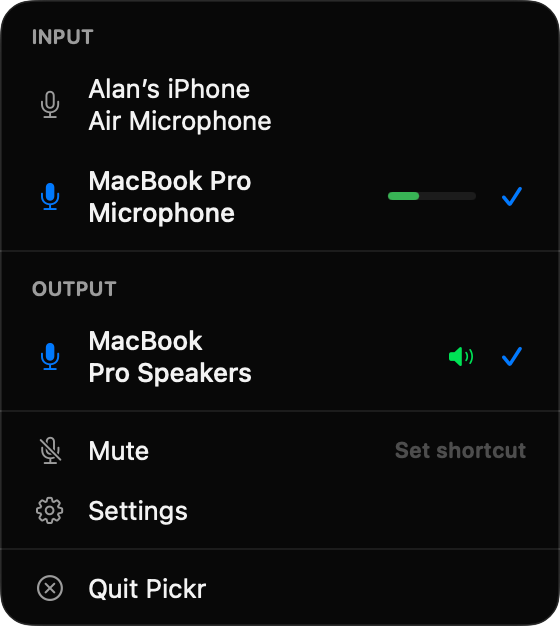
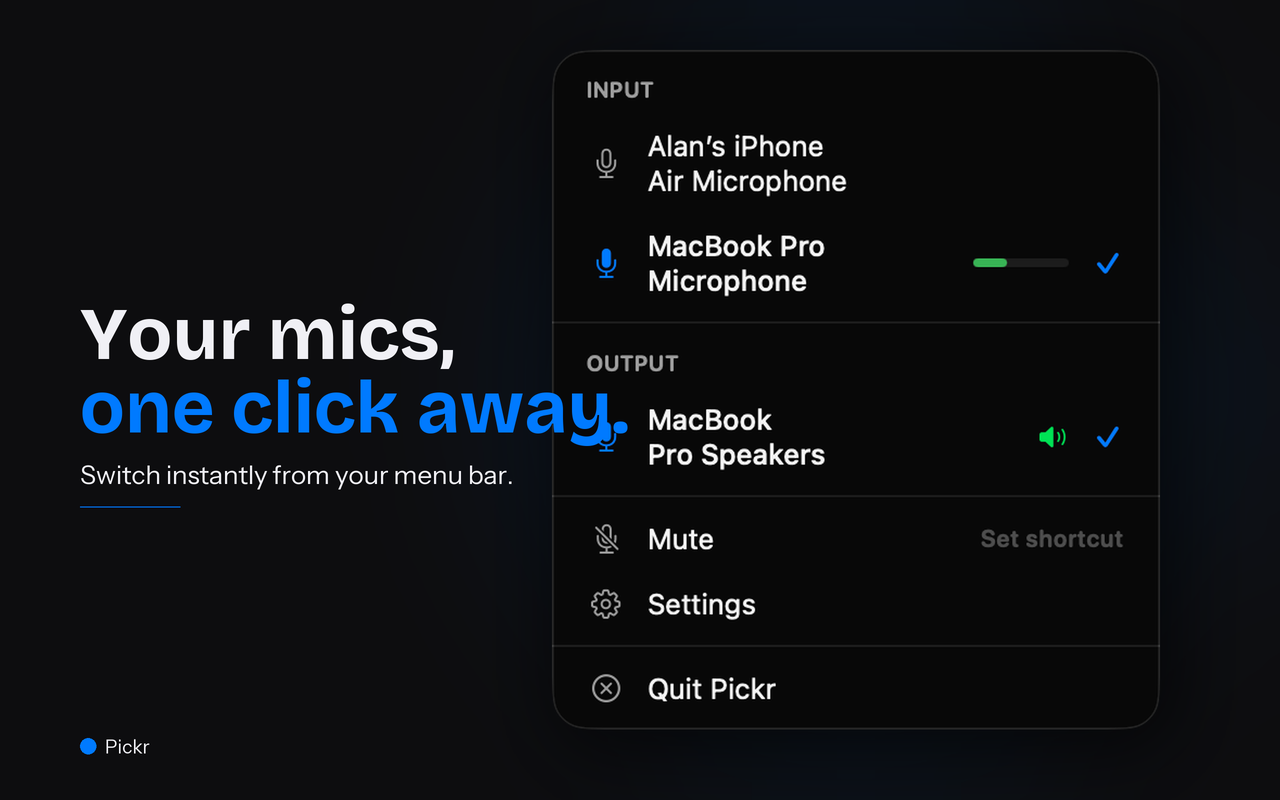
Every device, one click away.
Pickr lists what your Mac already knows about, named your way. Changing microphones mid-call takes a click instead of a detour through System Settings.
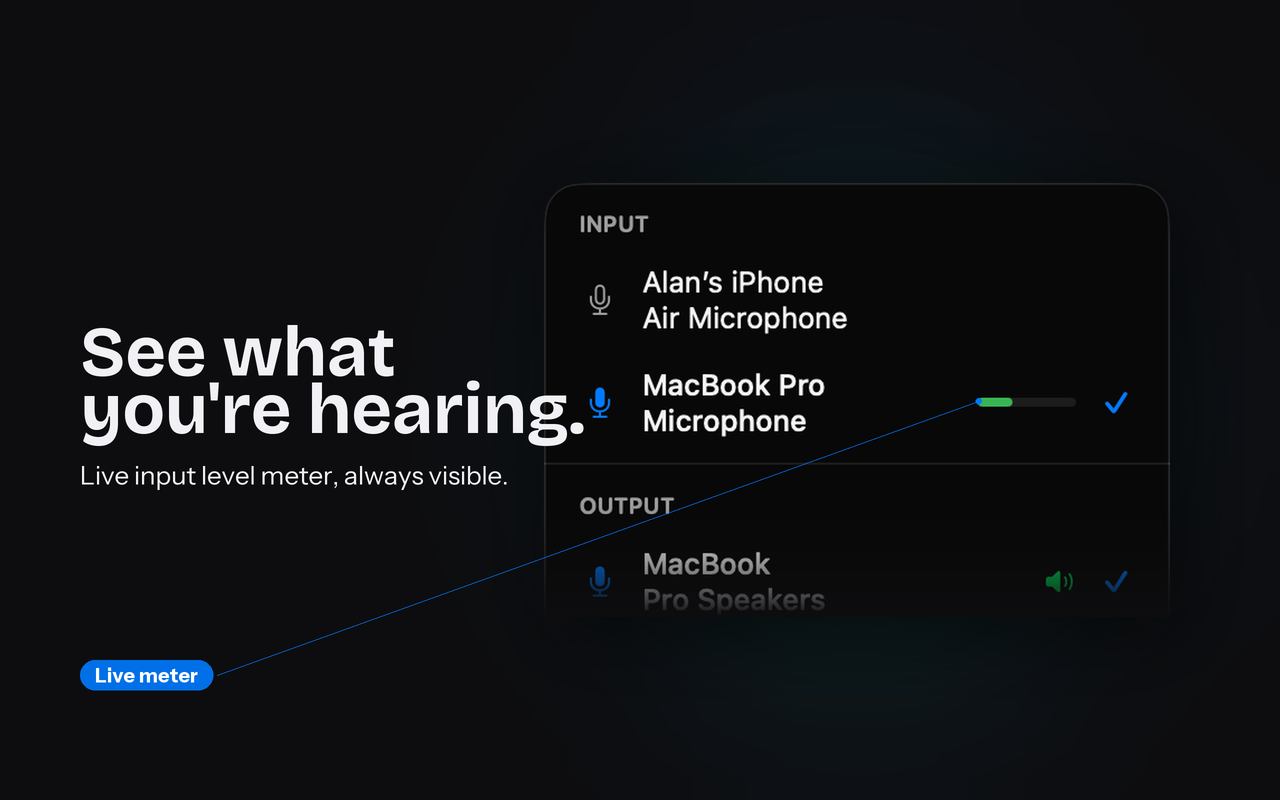
You can see that you're live.
A real-time meter sits beside the active microphone, so you know your level before you speak rather than after. It runs only while the panel is open, which is why the app costs nothing in the background.
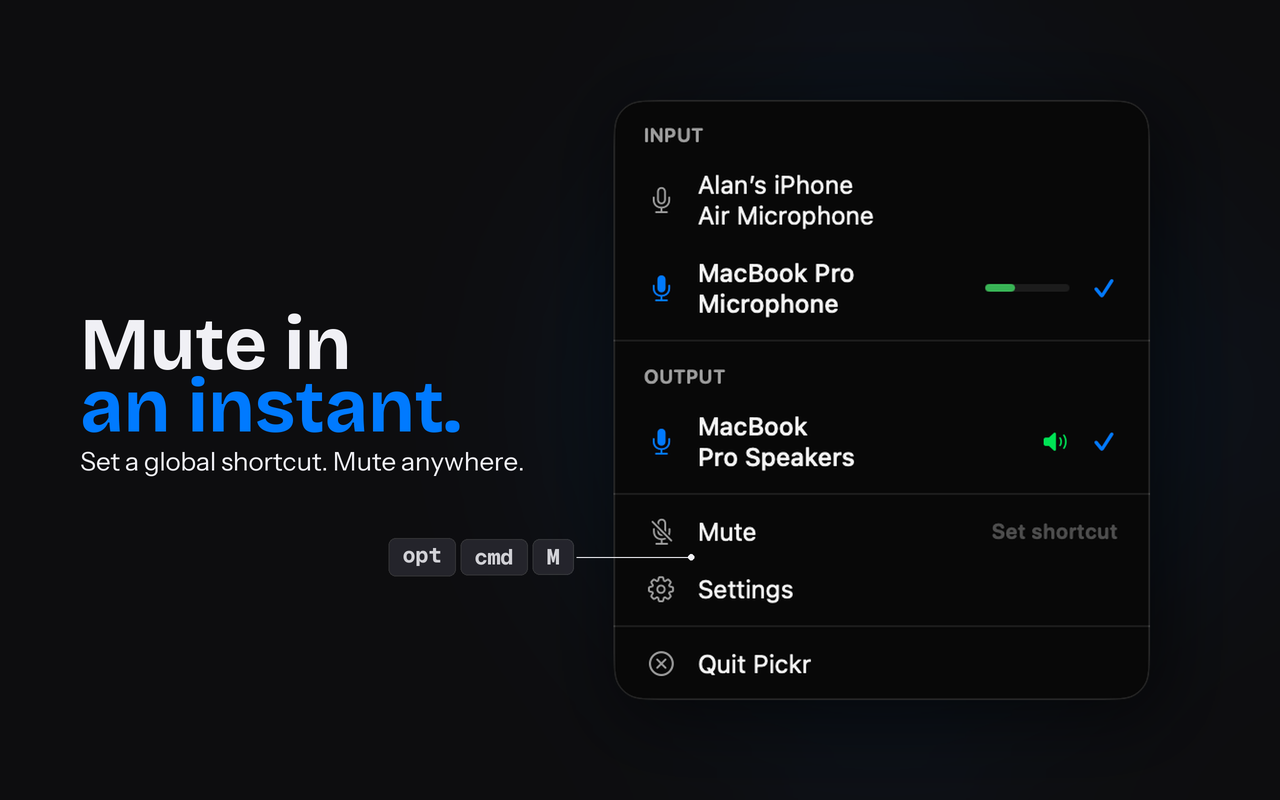
One shortcut, from anywhere.
Set a global shortcut and mute the active microphone from any application, without first finding the right window. It is the fastest way to kill a hot mic.
Your names for your gear.
"Logitech USB Headset H340" becomes "Office mic". Nicknames apply in the panel and in the menu bar, so the thing you reach for is the thing you recognise.
Built for the people who change devices all day — remote workers moving between calls, podcasters juggling a microphone and an interface, musicians who need the routing to disappear.
What changed in 1.1
- VoiceSiri and Shortcuts. Switch your input or output, or toggle mute, by voice or from an automation — try "Switch input to Desk Mic in Pickr".
- KeysCycle with a keypress. Two new global shortcuts move you through your input and output devices without opening the menu.
- LabelChoose what the menu bar shows. The icon alone, or the icon with your input or output device name beside it.
- FixesRough edges gone. Device names wrap properly in the panel, the Settings window comes to the front when you open it, and the pane scrolls.
How much does Pickr cost?
Which version of macOS does Pickr need?
Does my audio leave my Mac?
Can I switch devices without opening the menu bar?
Does it work with AirPods and Bluetooth headsets?
How is this faster than System Settings?
Can I rename my audio devices?
Does Pickr change my system audio settings, or route audio between apps?
If you change audio devices more than once a day, it pays for itself in an afternoon. It is a small tool that does one job properly, and it will keep doing it.
Download on the Mac App StoreRequires macOS 14 or later · Universal, 1.4MB · More of what I've built